Download SORA Blockchain L1
We are conducting experiments on the SORA testnet using a hash constructed based on the intent of Satoshi as interpreted from patterns emerging within SHA-256. Since CPU mining functionality is integrated directly into the wallet, mining operations are also supported.
To launch the testnet, first start the application in mainnet mode. This will generate the SorachanCoin.conf file. Then, modify the parameter testnet=0 to testnet=1 within the configuration file and restart the application to activate the testnet.
A testnet-only version is also available. Download it here.
[Latest] Version: v3.120.16
Download:
Windows 11 / 10 / 8.1 / 8 / 7
>> DOWNLOAD
Bootstrap:
>> DOWNLOAD
Bootstrap2:
This is a bootstrap that allows the wallet to synchronize instantly just by placing the files in the correct location. Simply extract the ZIP file and place the extracted files directly into the same folder.
>> DOWNLOAD
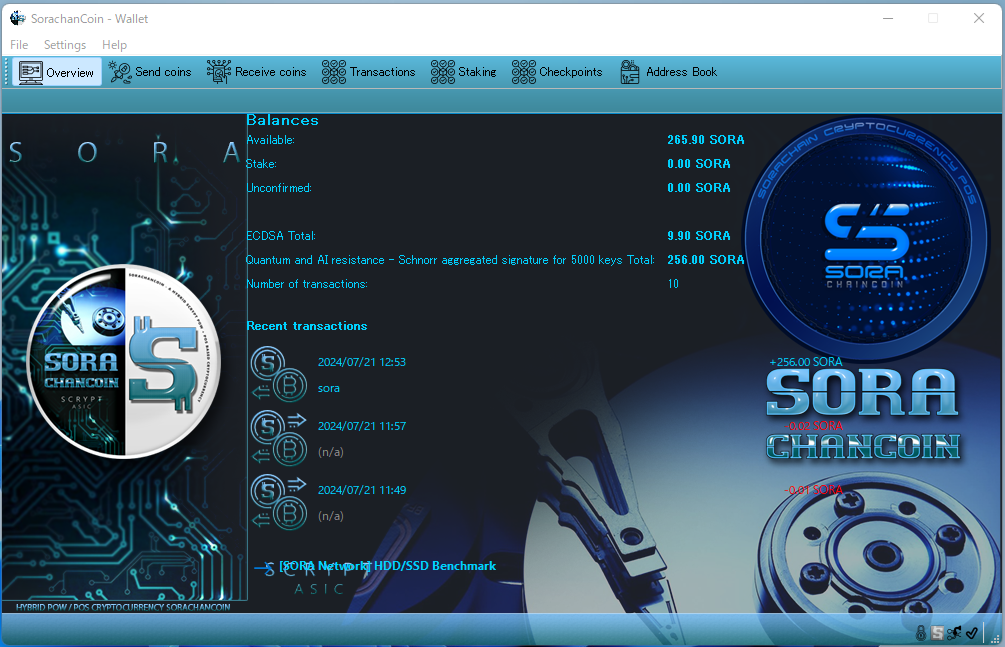
Usage
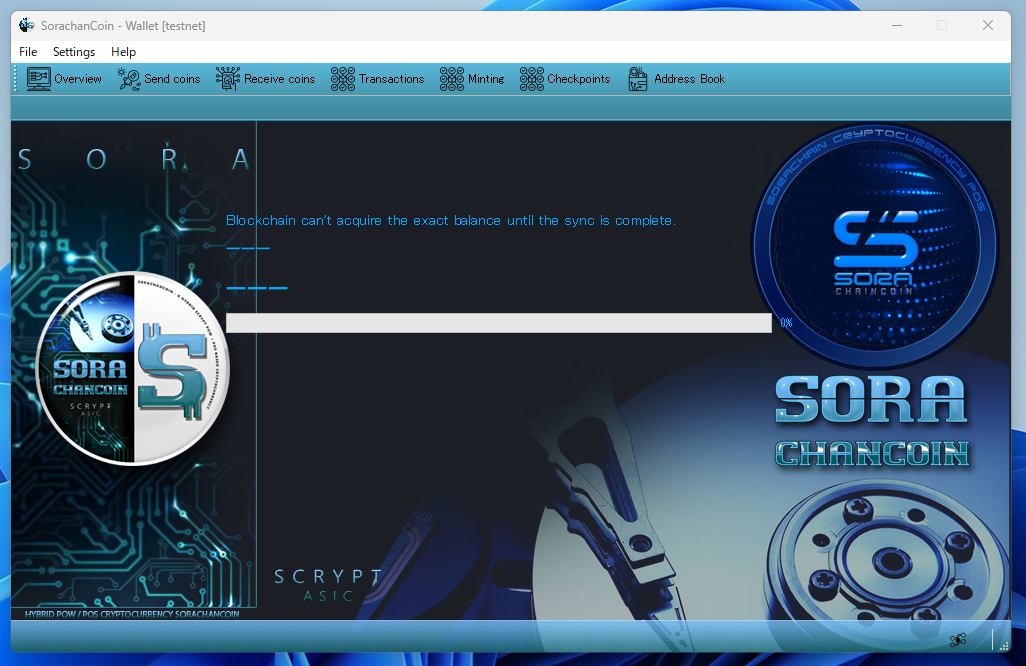
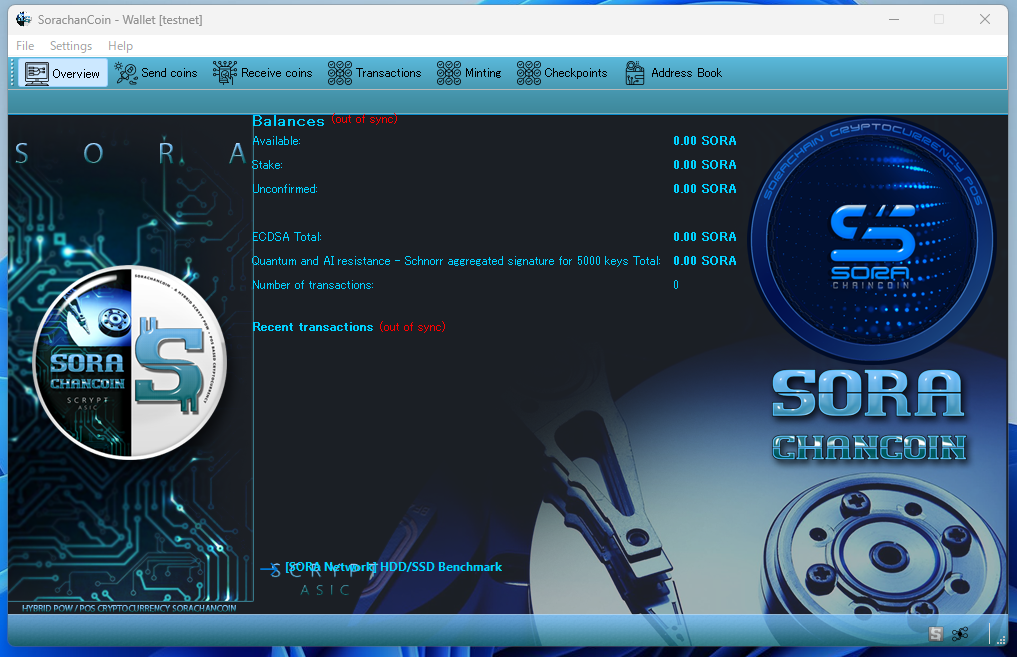
After downloading the ZIP file, extract it. You can also open it directly and copy the files to any folder you prefer. Once extracted, double-click the executable file (SorachanCoin.exe).
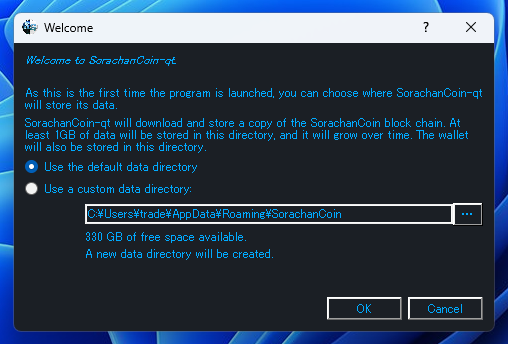
A dialog will appear asking where to create the data folder. Just click OK to proceed.
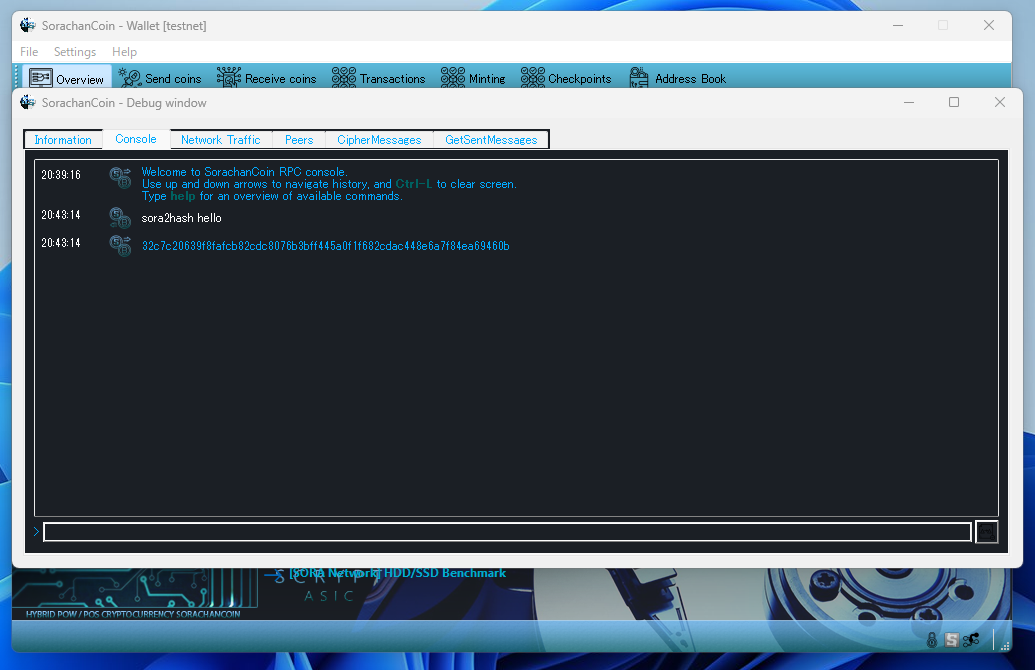
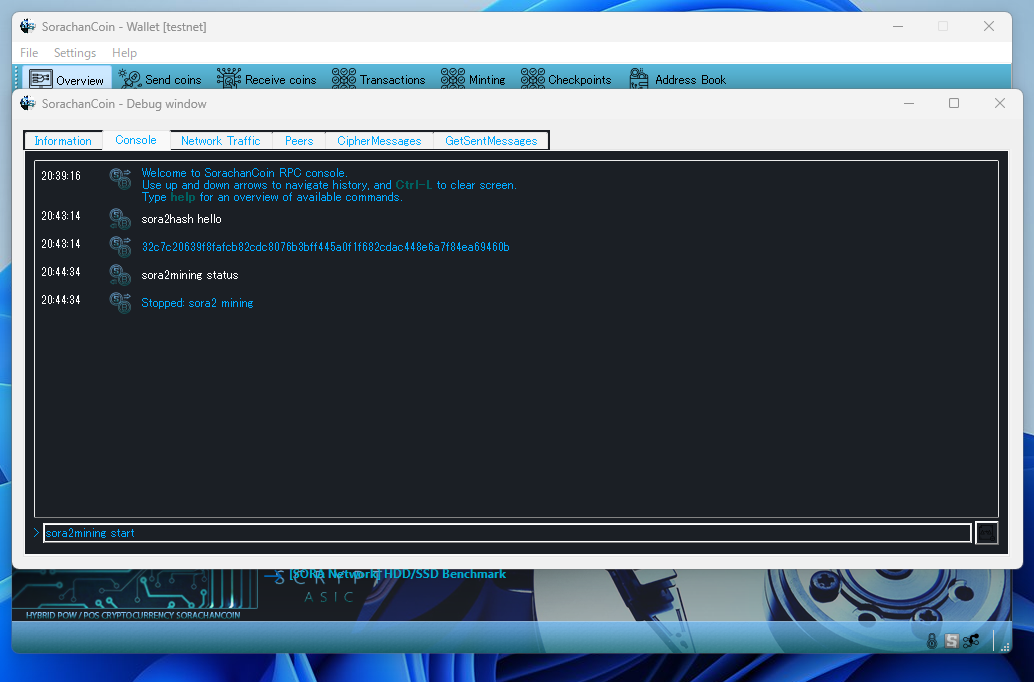
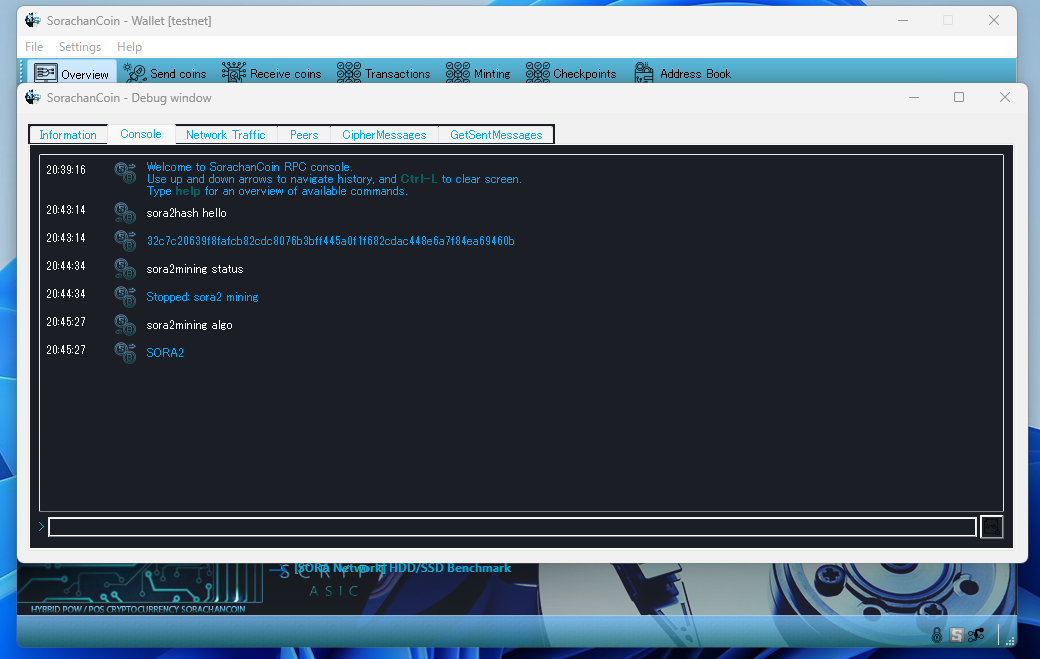
The command sora2mining is used for CPU mining. By entering this command, you can start and control CPU mining.
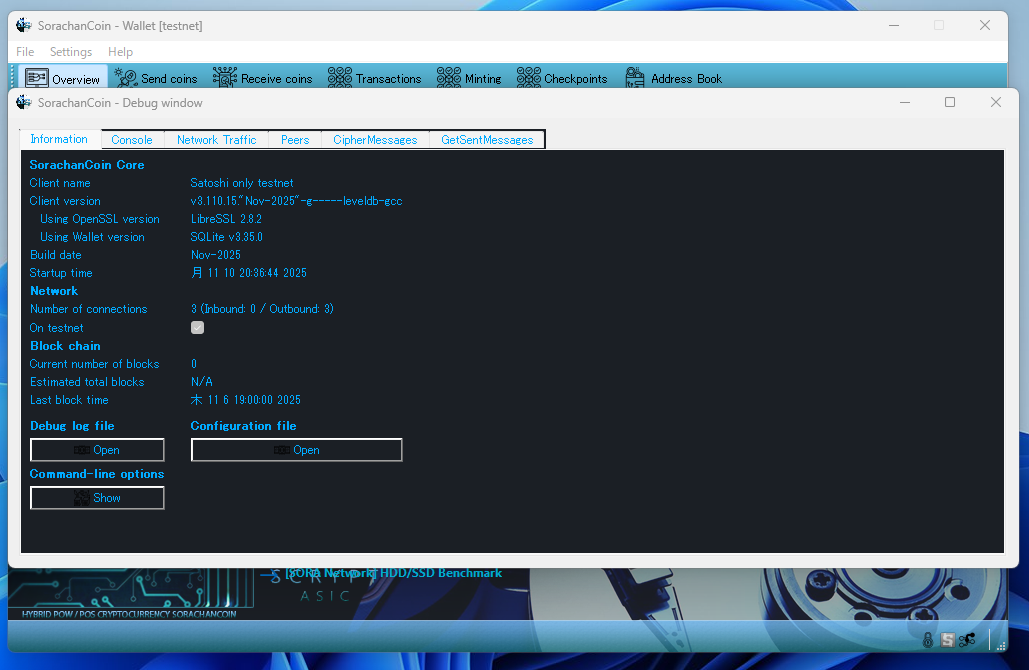
Open “Menu” → Help → Debug window → Console.
sora2mining start
Starts CPU mining.
sora2mining stop
Stops CPU mining.
sora2mining status
Displays the current CPU mining status.
sora2mining algo
Shows the name of the mining algorithm.
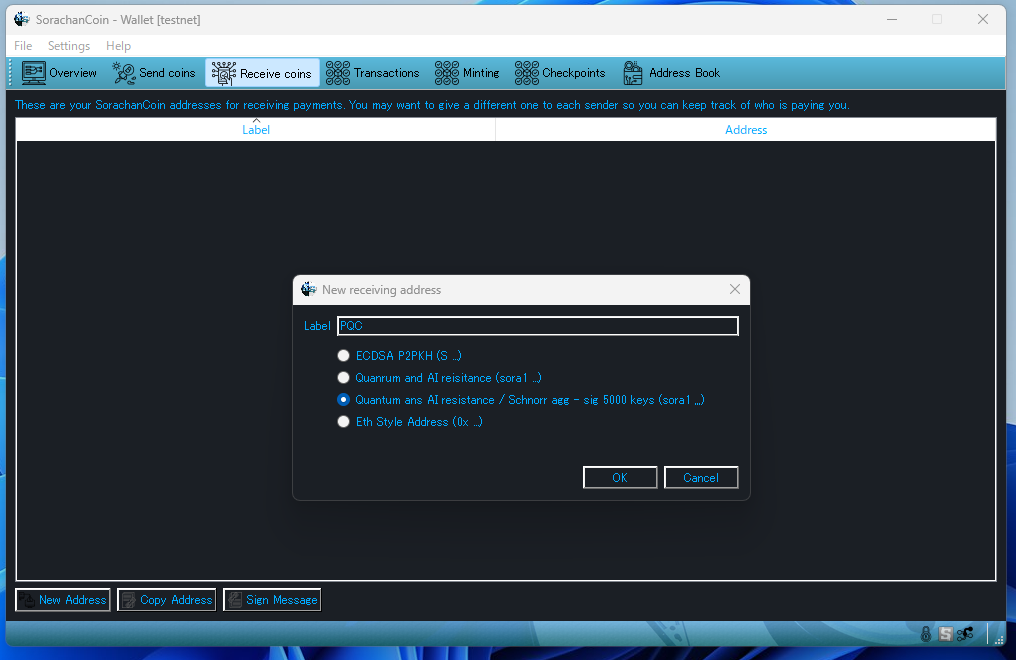
This section provides PQC options, supporting up to 256 types. Below is an explanation of each option from top to bottom.
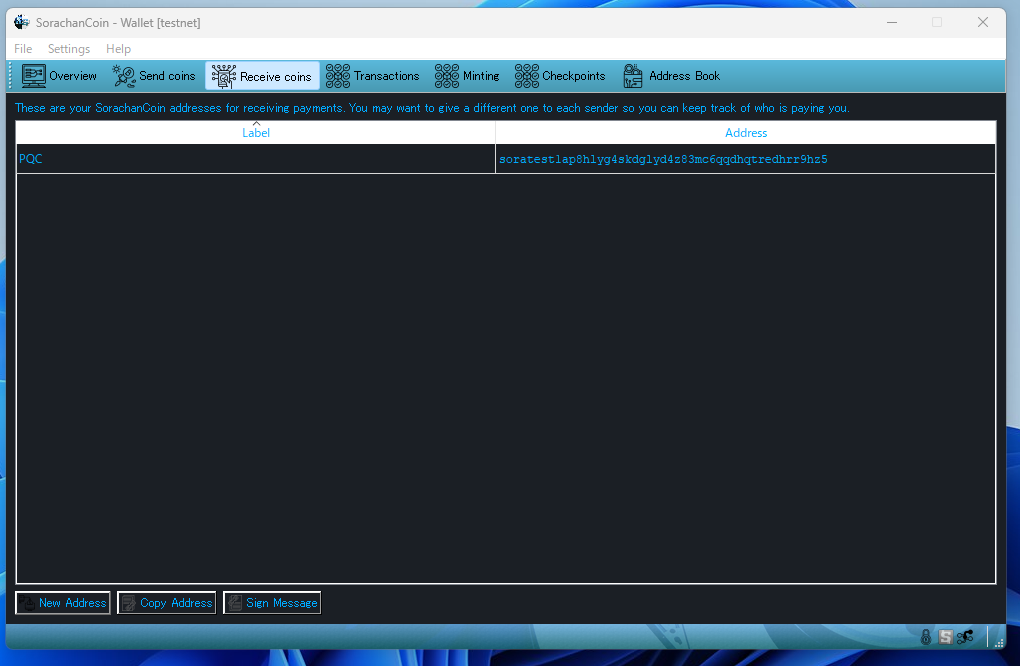
Open the “Receive Coins” tab, then click the “New Address” button at the bottom.
ECDSA:
The traditional cryptographic key.
It is vulnerable to quantum attacks such as Shor’s algorithm.
Quantum and AI resistance:
A PQC-based, quantum-resistant cryptographic key.
Quantum and AI resistance / Schnorr agg-sig (5000 keys):
A PQC key combined with Schnorr aggregated signatures using 5000 keys in a multisig structure.
This is the strongest option available.
Eth Style Address:
An ECDSA key hashed with Keccak, displayed in 0x format.
Its security level is equivalent to ECDSA (also vulnerable to quantum attacks such as Shor’s algorithm).
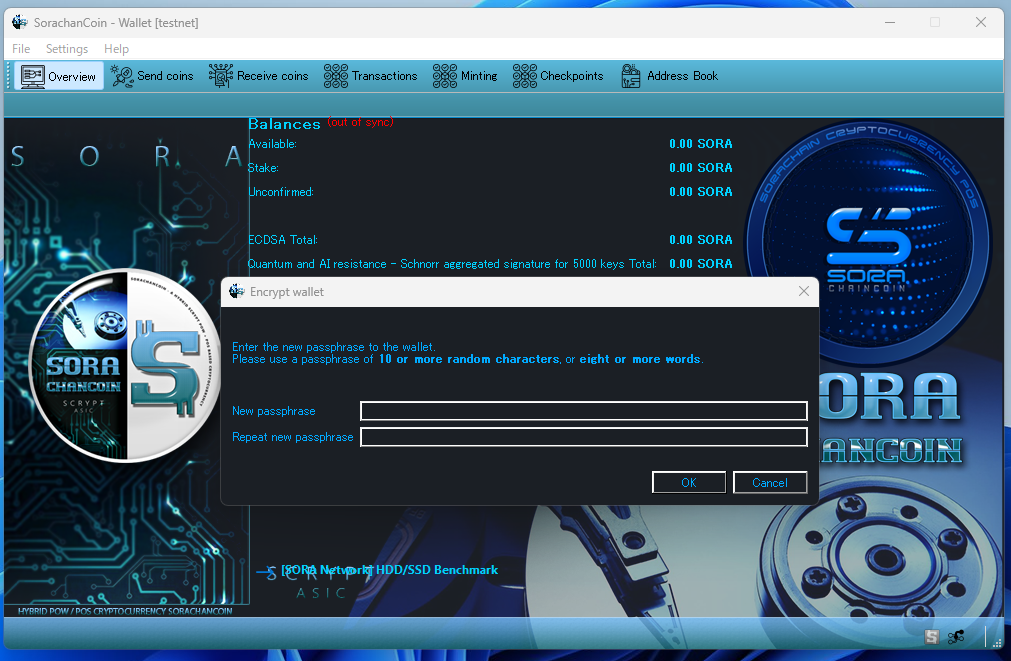
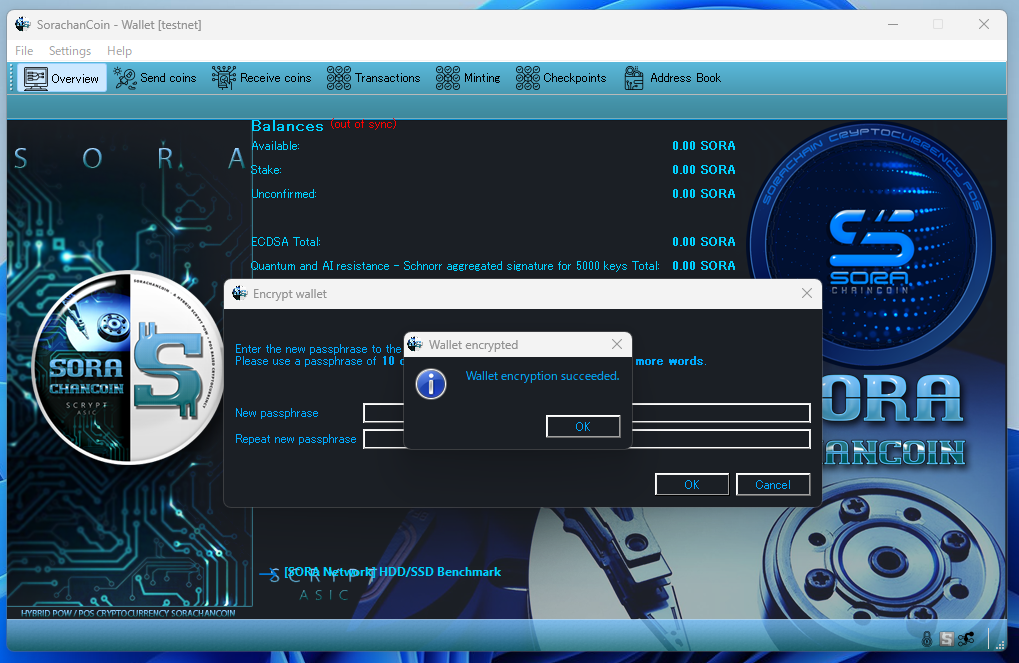
Enter your desired passphrase in both the upper and lower fields, then click OK. Your wallet will now be encrypted.
Open “Settings” → “Wallet Security” → “Encrypt Wallet.”
All transactions can be managed freely from the tabs at the top.
In principle, you simply send or receive coins using the addresses you generate. The coins required for sending are created exclusively through mining. The mechanism is extremely straightforward.